Minecraft: Java Edition

CHORUS

A Minecraft client that just runs.

Mods, HUD, cosmetics and a launcher in one install. Nothing to configure before you play.

  • Windows 10 / 11
  • Free
  • v0.1.4
01 / Features

What's in the client

Six things you'd otherwise install separately, already wired together and tested against each other.

CHORUS one client

Built-in features

The mods most players end up hunting for are already here. One install, no version-matching, no crash on startup because two jars disagree.

312 FPS 2.1 ms · smooth

Performance

Higher frame rates, and steadier ones. The number matters less than the flat line under it.

Coordinates FPS · 312 Keystrokes

Customization

Drag any HUD module where you want it, rebind every key, and change how the client looks. Settings stick per profile.

Cosmetics

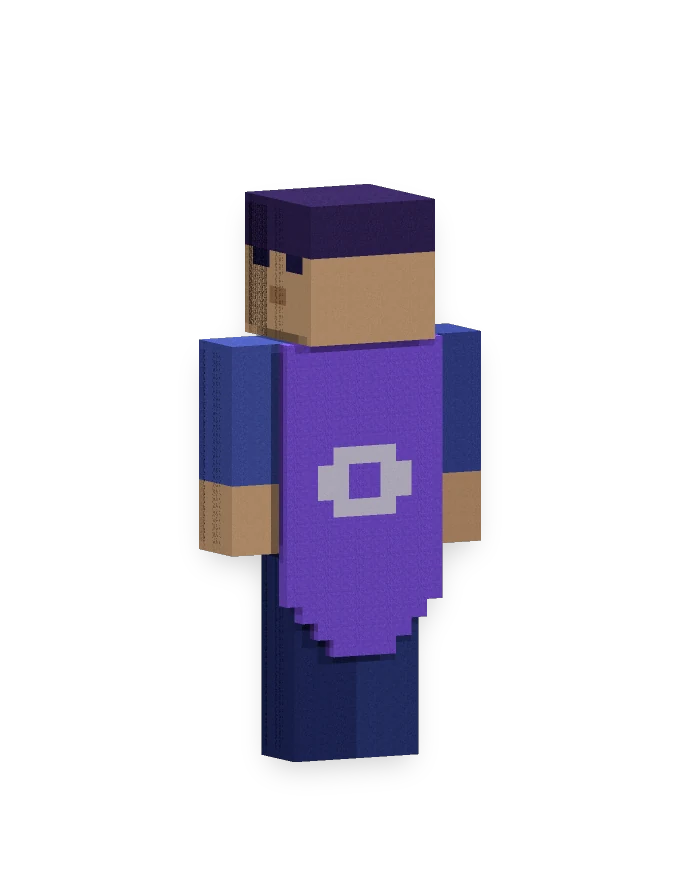
Capes, wings and accessories that render for every other player running Chorus, on any server.

1.21.xLatest 1.20.x 1.19.x 1.8.9Legacy

Multiple versions

1.21 for the new stuff, 1.8.9 for PvP, and everything worth keeping in between. Switch from the same dropdown.

XYZ 128 / 71 / -344 312 FPS · 1.21.x 27

HUD

Coordinates, FPS, keystrokes, armour, potion timers. Show what you need, put it where you look, and leave the rest off.

02 / Why

Why people switch

One install

No mod folder to babysit.

Fast start

Sign in, pick a version, play.

Yours to arrange

Every module, every key.

Steady frames

Tuned for low-end machines too.

No paywall

Free, and staying that way.

03 / Download

Get Chorus

Windows 10 and 11, 64-bit.

Stable

Windows

64-bit installer

Version
0.1.4
Size
112 MB
Download

Free. You'll need your own Minecraft: Java Edition account.

Windows will warn you the first time. Here's why, and how to check the file.

Chorus isn't code-signed yet, so SmartScreen shows “Windows protected your PC” on first run. Choose More info, then Run anyway. A certificate is on the list — it just isn't ahead of the client.

You don't have to take our word for what you downloaded. In PowerShell, from your Downloads folder:

Get-FileHash .\Chorus-Setup-0.1.4.exe -Algorithm SHA256

It should print exactly this. Anything else is not the installer we published:

32e7ee100fd47b1b293ec6773da95852e45112eea5bee8393800e3a028bdcbe4

Rather not install anything? The portable build is the same launcher as a single executable — double-click and it opens, nothing written outside the usual data folder. Every build, current and past, is on the releases page.

CHORUS Home Versions Cosmetics Profiles Settings Player_01 Ready to launch Minecraft 1.21.x · Chorus 0.1.4 PLAY 1.21.x RECENT PROFILES Survival 1.21.x · Fabric PvP 1.8.9 · Chorus
04 / Launcher

One window before the game

Account, version, profile, settings. Then Play.

  • Launch any supported version
  • Sign in with your Microsoft account
  • Keep separate profiles for survival and PvP
  • Swap cosmetics and themes
  • Set RAM and JVM flags without editing files
Download Chorus
05 / In-game

Readable at a glance

The overlay tells you what you need and covers nothing you're aiming at.

128 / 71 / -344 312 FPS · 2.1 ms Facing North · Day 214 W A S D 30 CHORUS
06 / Cosmetics

Everyone on Chorus sees it

Original capes, wings and accessories. No server plugin needed on either end.

Browse cosmetics Store not open yet

Capes

Flowing back capes

Wings

Animated wings

Headwear

Hats & crowns

Back items

Packs & totems

Emotes

Express yourself

Effects

Trails & auras

07 / Versions

Supported versions

1.21 down to 1.8.9.

Latest
1.21.x
Status
Stable
Compatibility
Full support
Supported
1.20.x
Status
Stable
Compatibility
Full support
Supported
1.19.x
Status
Stable
Compatibility
Full support
Supported
1.18.x
Status
Stable
Compatibility
Core features
Supported
1.16.x
Status
Stable
Compatibility
Core features
Legacy
1.8.9
Status
Maintained
Compatibility
PvP-ready
08 / News

News & updates

Release notes, announcements, and what the community is building.
All releases
Announcements

Chorus 0.1.4 is out

Discord shows the right game, the launch JVM is tuned, and sign-in errors finally say what went wrong.

Get it
Client updates

Every version, written down

Updated each release

What changed, in plain language, for every build we've published.

Read the notes
Community

Builds worth showing off

HUD layouts, themes and clips from people running Chorus.

Read more
09 / Community

Where to find us

Discord is the fastest way to reach anyone working on this.

We read Discord first.

Something broken?

Bug reports, account trouble, or a question about a version. Ask in Discord and someone will pick it up.